

I have several PDFs on my computer of various ebooks and other publications. I had been thinking about how nice it would be if I could put them on my Kindle, instead of reading them on my computer screen. Of course I knew I could simply hook up my Kindle to my computer with a USB cable, but then, that PDF or other file would be only on that one Kindle. I wouldn’t be able to read it on my phone or the Kindle App on my tablet unless I hooked those up to my computer with a USB cable and transferred them over individually. And even so, the versions on the different platforms would not automatically sync; I’d have to actually remember what page I was on if I happened to leave my Kindle at home and then wanted to read the same text on my phone.
Thankfully, Amazon has a very simple solution for this. It is their Send to Kindle App. As they describe it on their website: “Send Once, Read Everywhere.” All you have to do is download the App (it’s available for either the PC or the Mac), install it, and then you can very easily transfer PDFs, Word Documents, or ebook files to all your Kindles and Kindle Apps all at once. And best of all, it’s free!
 Send to Kindle
 A Year With God
 A Year With Jesus
 The Bible's Most Fascinating People
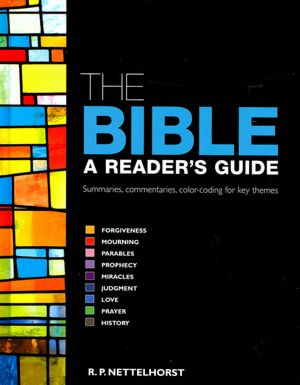 The Bible: A Reader's Guide
 Antediluvian
 Inheritance
 John of the Apocalypse
 Somewhere Obscurely
 The Wrong Side of Morning

